
BULLTRADING / PRODUCT DETAILS
BullTrading Efficiency Pro
Use the Efficiency Ratio (ER) to measure how consistently price progresses, distinguish directional movement from back-and-forth action, and add context for trend following and range identification.
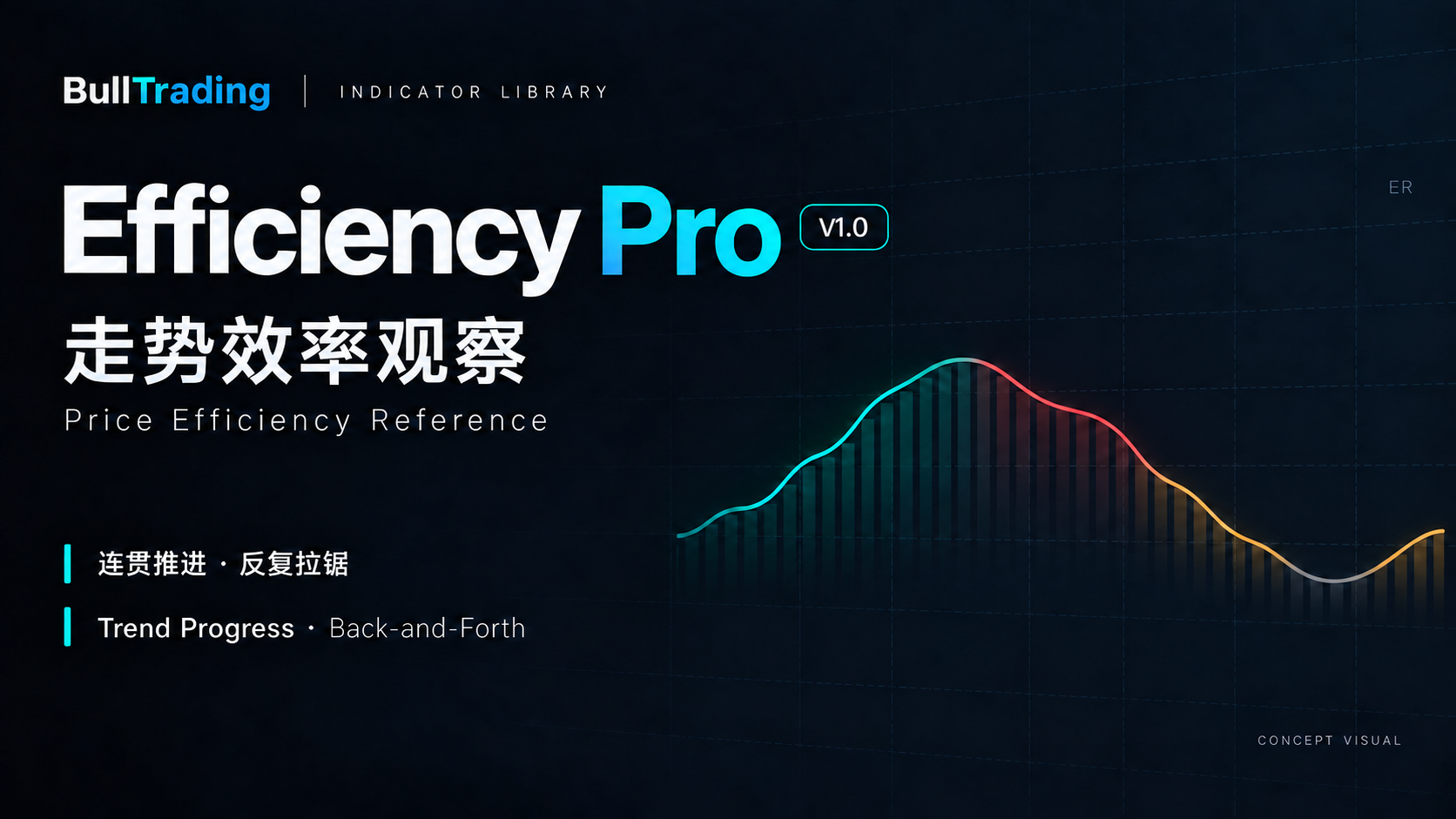
Confirmed features
- A separate pane with a line and histogram showing the same Efficiency Ratio (ER)
- Four colors distinguish efficient up, efficient down, low efficiency and transition
- High-efficiency background shading and an optional latest-state label
- Bilingual settings and a Chinese or English label identifying live or closed-bar readings
- Display toggles, adjustable colors and line width, plus warmup and threshold diagnostics
About this product
Start with price-path consistency
ER measures how efficiently price progresses over a lookback. Higher readings mean more net movement relative to the total path; lower readings reflect more back-and-forth action. Use it as context for trend following and ranging conditions.
Read efficiency alongside price direction
High efficiency can occur in either a rising or a falling market. High-efficiency colors use net change over the lookback to distinguish upward from downward movement. The line and histogram are two views of the same ER, not two independent signals.
Start with the default thresholds
Defaults are a 20-bar lookback, a high threshold of 0.30 and a low threshold of 0.20. Readings strictly above the high threshold are efficient; those strictly below the low threshold have low efficiency. Both boundaries and the interval between them are transition.
Check warmup and reading time
Warmup requires consecutive valid data: by default, 20 price changes or 21 closes. ER and its state can change during an open bar. The latest label can use Chinese or English and distinguishes live from closed-bar readings.
Platforms and compatibility
- Current version
- V1.0
- Supported platforms
- TradingView
- Markets covered
- Price-path efficiency across markets; evaluate each asset and timeframe separately
Features and display may vary by instrument, platform and version. Consistent behavior across every instrument and platform is not guaranteed. Refer to the release notes for the relevant version.
- For a separate TradingView pane, calculated only on the current chart timeframe. Observe each asset, timeframe and data source separately.
- Thresholds divide the observation ranges. Keep the asset, timeframe and history fixed, change one setting at a time, and read the result in its price context.
- Author attribution: © OutsiderTrader666. Source code is licensed under Mozilla Public License 2.0 (MPL 2.0).
- The branded artwork is a product concept, not actual market data or a TradingView screenshot.
Efficiency is not the size or speed of a move, or a win rate. This indicator supports observation, provides no buy/sell arrows, trading alerts or automated execution, and makes no promise about future price direction.
Sign in to your BullTrading account to open your selected indicator. The indicator is free; no payment is required.