
BULLTRADING / PRODUCT DETAILS
BullTrading Risk Helper · Risk Assistant
Know what you are risking before you place the order.
Estimate stop distance from market volatility and derive a suggested size from account size and risk per trade. Enter your fill price to track the open R-multiple and P&L in real time, with stop and target reference lines on the chart.
Confirmed features
- Plan mode: automatic stop distance, risk amount and suggested size
- Position mode: enter your fill price to track open R-multiple and P&L live
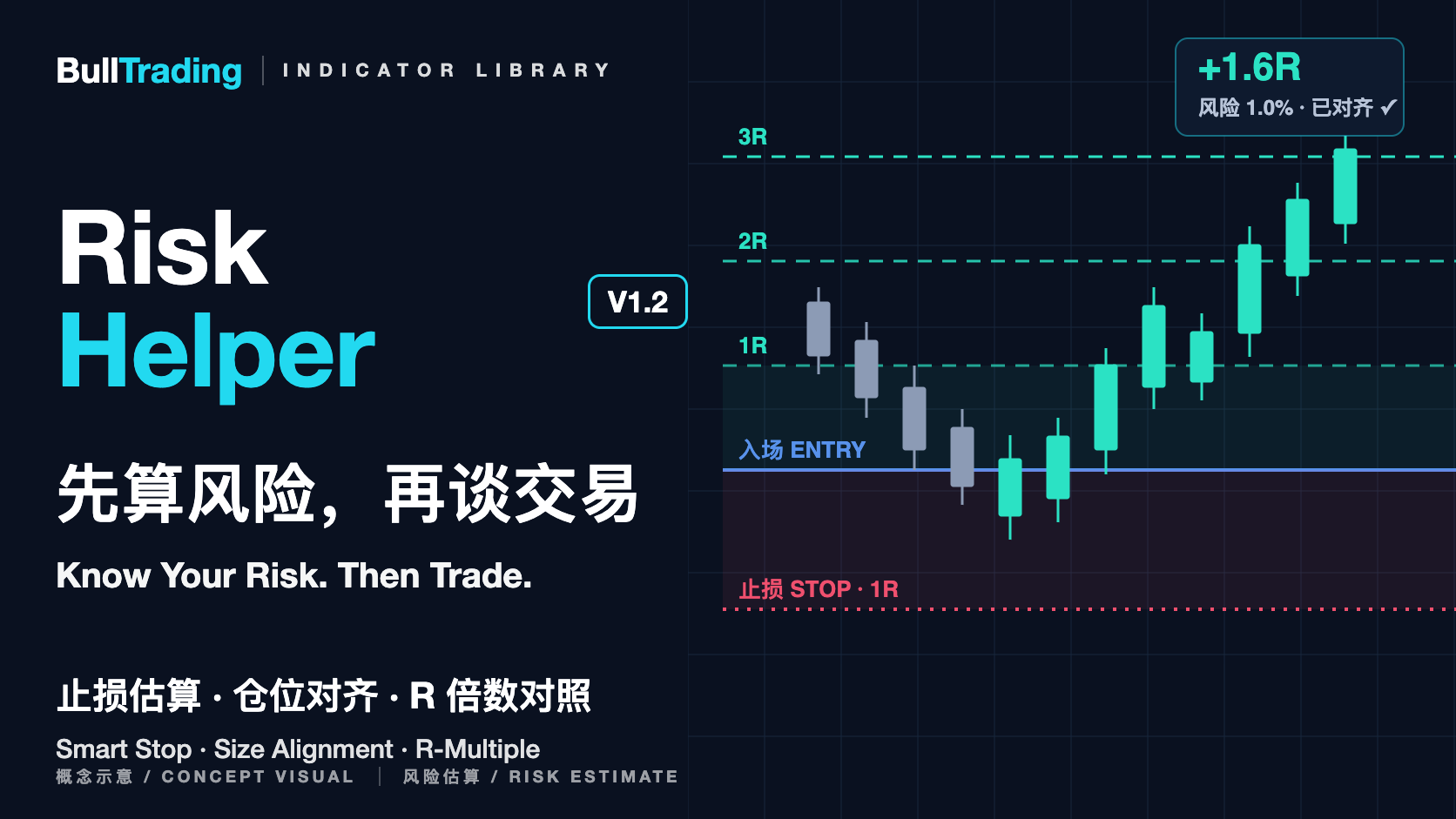
- Entry, stop and 1R / 2R / 3R reference lines drawn on the chart
- Size alignment: compares actual size with planned risk and flags over, under or aligned
- Lots for gold and forex, units for crypto; four optional price alerts
- Optional trailing stop; the tighter of fixed and trailing becomes the effective stop
About this product
Calculate the maximum loss before entry
Stop distance is estimated automatically from real market volatility, with adjustable width. The risk amount comes from account size × risk per trade, and the suggested size is derived from it — in lots for gold and forex (rounded down to 0.01) and in units for crypto.
Track the position in R-multiples
Enter your fill price and the chart draws entry, stop and 1R / 2R / 3R reference lines while the panel shows the open R-multiple and P&L live. The stop can be your actual level or derived automatically, and a stop on the wrong side of entry is flagged immediately.
Size alignment: check plan against reality
Enter the lots or units you actually opened and the panel compares actual risk with planned risk, shows actual risk as a percentage of the account, and labels it over, under or aligned. Open P&L then tracks your real size. It also warns when the risk budget cannot cover the 0.01 minimum lot.
Fixed or trailing: choose the stop style you prefer
An optional trailing stop: when enabled, a reference line follows the market automatically, and in position mode the tighter of the fixed and trailing stop becomes the effective stop. Off by default, with adjustable sensitivity and distance.
Price alerts instead of screen-watching
Four alert conditions — stop reference hit (the effective stop when trailing is enabled) and 1R / 2R / 3R reached — can be enabled in TradingView alerts. Alerts describe the relation between price and reference lines only; they are not instructions to act.
Platforms and compatibility
- Current version
- V1.2
- Supported platforms
- TradingView
- Markets covered
- Gold, forex, crypto and more; works on all timeframes
Features and display may vary by instrument, platform and version. Consistent behavior across every instrument and platform is not guaranteed. Refer to the release notes for the relevant version.
- For TradingView charts across markets; use lot mode for gold and forex, unit mode for crypto and spot.
- Open R-multiple and P&L are computed from the entry, stop and size settings you provide, and update immediately when settings change.
- Pairs with KAMA for trend location, Efficiency for price-path efficiency and Flow for volume-based observation.
- The branded artwork is a product concept, not actual market data or a TradingView screenshot.
Suggested sizes assume one unit of P&L per one unit of price movement. Lot conversion relies on the contract-size setting (gold defaults to 100 oz per lot); confirm it against your instrument and broker rules. The tool provides risk calculation and visualization only — not investment advice and not buy/sell signals.
Sign in to your BullTrading account to open your selected indicator. The indicator is free; no payment is required.