
BULLTRADING / PRODUCT DETAILS
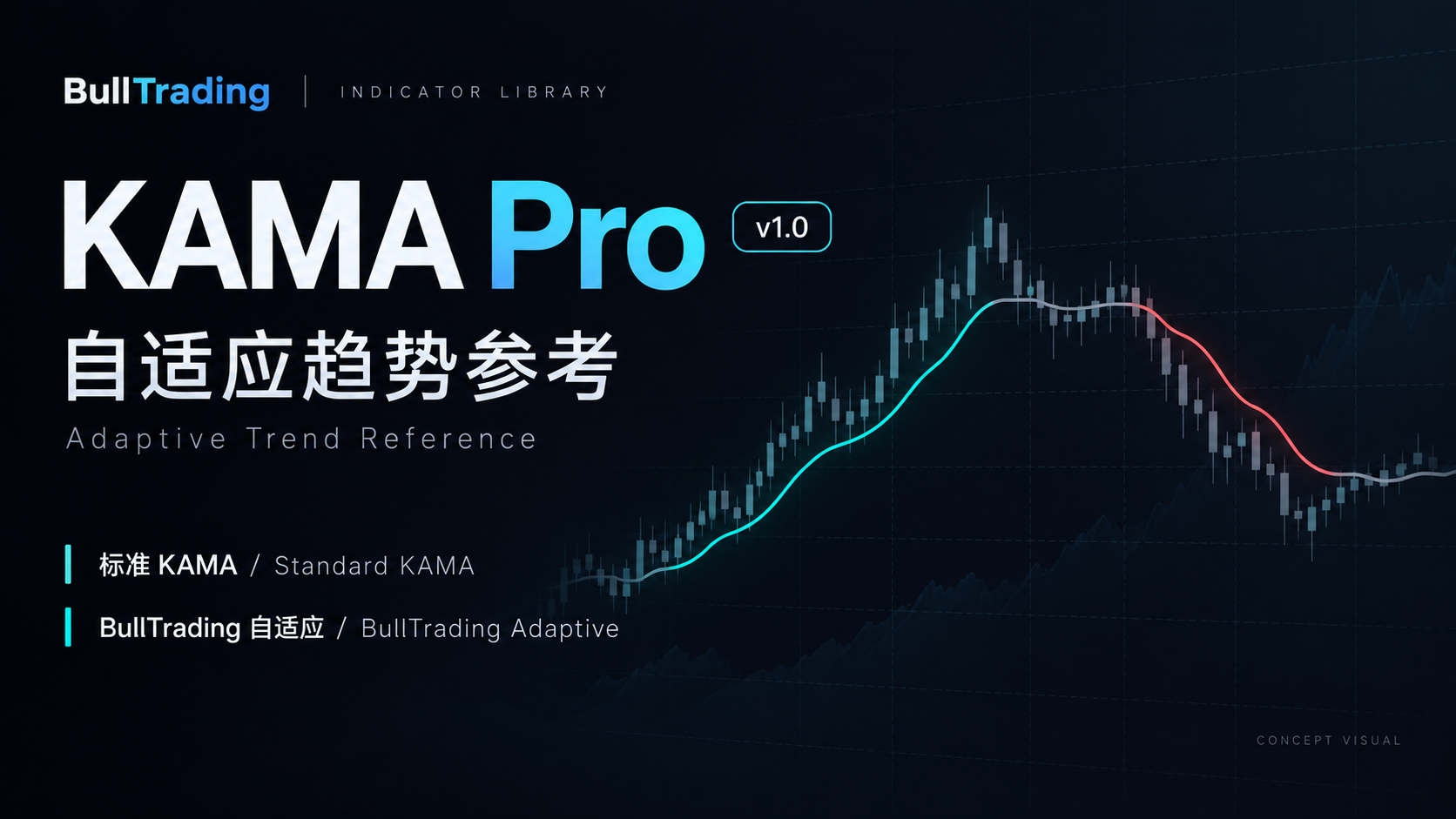
BullTrading KAMA Pro · Adaptive Trend Reference
Built on Kaufman’s Adaptive Moving Average (KAMA), with two algorithms, directional colors and closed-bar display to observe price trends through one line.
Confirmed features
- Standard KAMA and BullTrading Adaptive modes
- One line with rising, falling and flat colors
- Switch between closed-bar and live display
- Bilingual settings with adjustable line width and colors
About this product
Two adaptive modes
Standard KAMA uses Kaufman smoothing; BullTrading Adaptive combines ER path efficiency with Ehlers phase changes. Fast and slow lengths apply only to Standard mode.
Color describes direction
Color uses total change over the lookback divided by ATR, not average change per bar. The flat threshold affects color only, not line values.
Choose your display timing
By default, an open bar holds the previous closed bar’s line value and color. Disable closed-bar display to update live with the current bar.
Start with the defaults
Defaults: ER length 20, standard fast/slow lengths 2 / 30, ATR 14, slope lookback 3 and flat threshold 0.02. Keep the asset, timeframe and history fixed; change one setting at a time.
Platforms and compatibility
- Current version
- V1.0
- Supported platforms
- TradingView
- Markets covered
- Trend observation across assets and timeframes
Features and display may vary by instrument, platform and version. Consistent behavior across every instrument and platform is not guaranteed. Refer to the release notes for the relevant version.
- For observing multiple markets on TradingView. It calculates only the current chart timeframe; settings can be adjusted for each asset.
- Warmup requires at least 100 consecutive valid bars by default and restarts after missing source data. Adaptive mode holds its value when ER is 0.
- The artwork is a product concept, not actual market data or a TradingView screenshot.
Color and price position support analysis. The indicator provides no buy/sell signals or automated execution and makes no promise of trading results.
Sign in to your BullTrading account to open your selected indicator. The indicator is free; no payment is required.